
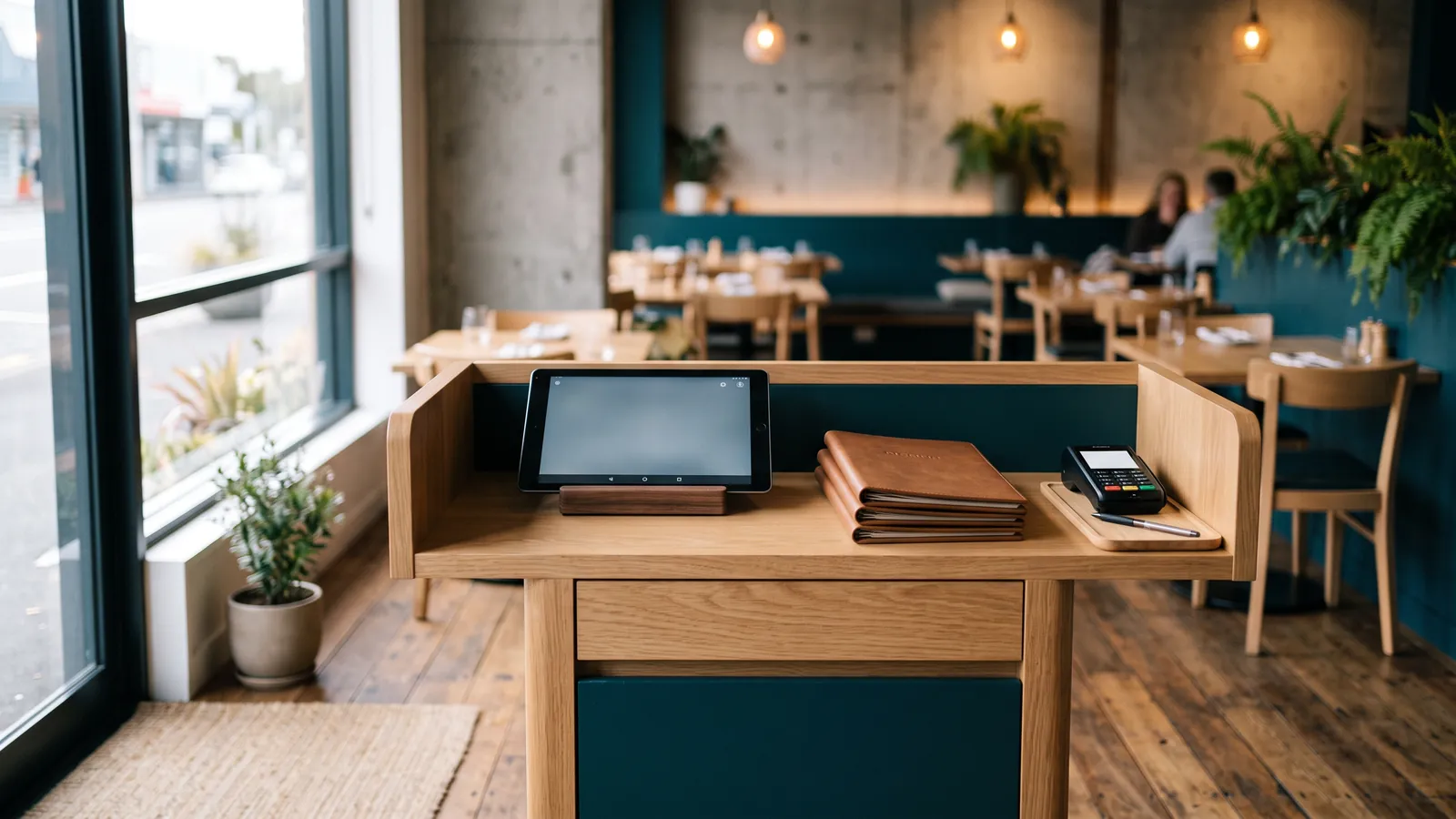
For most NZ restaurants and hospo venues, Lightspeed is the most complete pick: table service, bar tabs and offline mode on every plan, and integrated EFTPOS with all three big NZ terminal providers. Bustle is the one we'd look at first if you want a system built only for hospitality, with integrated EFTPOS in every plan. Lazygrid is the best-value Kiwi option, and Tabin suits venues that want self-order kiosks and QR ordering with local support.
This is our own desk research from vendor pages, help centres and the EFTPOS providers' partner lists, checked on 5 October 2026. We haven't run these systems in a restaurant ourselves. To see all seven systems we cover side by side, use the comparison table. Running a café? See our café picks.
What a restaurant needs from a POS
The old checklist for restaurant software still holds up: split bills, bar tabs, table layouts, a kitchen screen, staff logins. What's changed is where it runs (an iPad or tablet instead of a Windows PC in the back office) and how cards are taken (a tap-to-pay EFTPOS terminal instead of a swipe reader).
Table service: split bills, tabs, table layout, courses
If you seat people, you need a table plan, the ability to hold orders by table, and bill splitting that doesn't need a calculator. Bustle's plans list table layout, course management, customer tabs and split and partial payments, and its included online tools add QR table ordering and table pay with bill splitting. Lightspeed's restaurant pricing page lists bill splitting and pay at the table on all three plans. Lazygrid puts QR table ordering in its Premium plan.
Kitchen printers or a kitchen display (KDS)
Orders need to reach the kitchen without a waiter walking a docket. That's either a kitchen printer, or a kitchen display system (KDS): a screen on the pass that shows each order. Lazygrid's category-based print routing (drinks to the bar printer, mains to the kitchen) starts on its Standard plan. Lightspeed lists its kitchen display as an add-on charged per screen. See our receipt printer guide for kitchen printers, and customer displays if you want a screen facing the customer.
Integrated EFTPOS
"Integrated" means the POS sends the bill total to the EFTPOS terminal, so staff don't re-key it. That cuts mistakes and speeds up the queue. Here's who each pick works with in NZ:
- Lightspeed: Windcave, Shift4 (formerly Smartpay), Eftpos NZ (Verifone)
- Bustle: Eftpos NZ (Verifone), Windcave, Shift4 (formerly Smartpay)
- Lazygrid: Windcave, Eftpos NZ (Verifone), Shift4 (formerly Smartpay)
- Tabin: Eftpos NZ (Verifone), Windcave, Shift4 (formerly Smartpay)
These come from the vendors' own pages and the EFTPOS providers' partner lists; not every provider's list names every system we cover. If you already have a terminal, check it with our EFTPOS checker, and read our guides to Windcave and Shift4 integrations. More on terminals in our EFTPOS terminal guide.
Offline mode: what keeps working when the internet drops
"Works offline" means different things. Lightspeed's restaurant page says offline mode stores your data until you're back online. Bustle's help centre is honest about the detail: if the internet drops but your wifi stays up, orders still reach the kitchen and printers work; if the wifi goes down too, the app still records orders but printers stop.
Your EFTPOS terminal has its own offline limits too: no tap, no refunds, no pre-auth for bar tabs, and $300 a sale at most (Eftpos NZ's rules). A 4G backup on the terminal is worth asking about.
Offline status for each pick: Lightspeed Yes (Restaurant); Retail not published; Bustle Yes; Lazygrid Partial; Tabin Yes.
Quick service and takeaway
A takeaway or fast-casual counter needs speed more than a table plan: a quick menu grid, a kitchen printer or screen, and integrated EFTPOS. Self-order kiosks and online ordering take pressure off the counter at peak times, which is where Tabin is strongest.
On a tight budget, Loyverse is worth a look for a small counter-service spot: its free plan includes a kitchen display. Two catches: its only integrated NZ EFTPOS is Shift4, on iOS only, and its integrated card terminals don't work offline. Read our Loyverse review.
Running from a truck or trailer? See our food truck picks.
Bars: tabs and pre-authorisation
Bars need tabs that stay open across a night, and ideally a card held against the tab. Lightspeed's AU pricing page (which NZ visitors are served) lists a bar mode with swipe-to-open pre-auth. Lightspeed Payments isn't confirmed in New Zealand, so before you count on pre-auth tabs, ask Lightspeed and your EFTPOS provider whether it works with your NZ terminal. Bustle lists customer tabs on its plans.
Remember pre-auth is one of the things an EFTPOS terminal can't do offline. As a reminder, the default maximum trading hours for an on-licence are 8 am to 4 am the next day under the Sale and Supply of Alcohol Act, unless your licence or local alcohol policy says otherwise.
What a restaurant POS costs in NZ
Entry prices for our picks, as shown across this site:
- Lazygrid: NZ$27.60/mo incl. GST
- Tabin: NZ$56.35/mo incl. GST (a limited-time starter pack that bundles hardware)
- Bustle: NZ$74.75/mo incl. GST
- Lightspeed: ≈ NZ$112/mo incl. GST (Restaurant Starter, converted from A$79/mo)
The software is only part of it. Add an EFTPOS terminal (rented or bought), the network fee, card fees and hardware such as a kitchen printer. Our true cost calculator puts it all in one monthly number, and our EFTPOS fees guide explains the card side.
Moving from an old Windows POS (Aldelo, Microsale, Microsoft RMS)
Aldelo and Microsale were Windows restaurant systems built around a PC, a magstripe card reader and a US card processor. Both companies still trade in the US. We found no NZ EFTPOS integration listed for either on the Windcave, Eftpos NZ or Shift4 partner lists, which is why we cover systems that do integrate here.
The same old feature list maps neatly onto today's cloud systems: split bills, tabs, table layouts, kitchen screens and staff logins are all standard now. If you're leaving Microsoft RMS or Dynamics POS, read our Microsoft RMS alternatives guide.
Read our Lightspeed review. Read our Bustle review. Read our Lazygrid review. Read our Tabin review.